

5-Card Friday
A Bi-Weekly Update from the ITS UX Team

Design Psychology and the Neuroscience Behind Awesome UX
Cognition is complex, and many factors play into gut reactions or an instant impression. When you ask someone, “Why’d you do that?” there’s a high chance they won’t be able to answer or that you’ll misinterpret their response.
Flip the card over to learn more.
Design Psychology and the Neuroscience Behind Awesome UX
While research methods like observation and interviewing often require the UX researcher and participant to make guesses, modern technology like eye tracking allows researchers to study nearly imperceptible reactions and preferences.
In the case of products with substantial traffic, seemingly tiny details like the width of a button or the color contrast of text can make millions of dollars of difference. That’s why tech giants like Facebook and Google are beginning to employ neuroscience-based techniques to study how people use their products.
Read Full Article

Best Practices For Modal Window Design
Designers use modal windows to grab users’ attention. The information and actions in the modal window will have the entire user’s attention.
Flip the card over to learn more.
Best Practices For Modal Window Design
A modal is a window that appears on top of a parent screen. It’s called ‘modal’ because it creates a mode that disables the parent screen but keeps it visible. Users must interact with the modal to return to the main screen.
Read Full Article
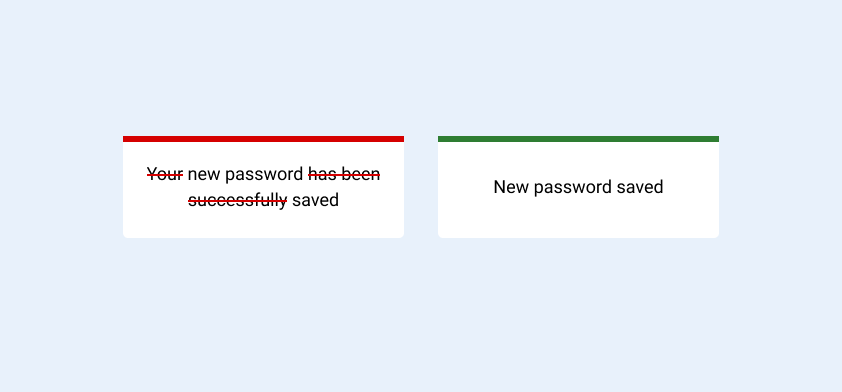
How to Build Better Digital Experiences With UX Writing Principles
A good understanding of UX writing can be vital to creating better digital experiences. If the words in your product are complex, uninspiring, and unfriendly — well, guess what? Users are going to think your product is complex, uninspiring, and unfriendly.
Flip the card over to learn more.
How to Build Better Digital Experiences With UX Writing Principles
UX writing is the practice of crafting UI copy that guides users within a product and helps them interact with it. UI copy includes buttons and menu labels, error messages, security notes, terms and conditions, as well as any instructions on product usage.
The primary aim of UX writing is to settle communication between users and a digital product. In this article, I’ll provide some practical tips on effective UX writing.
Read Full Article
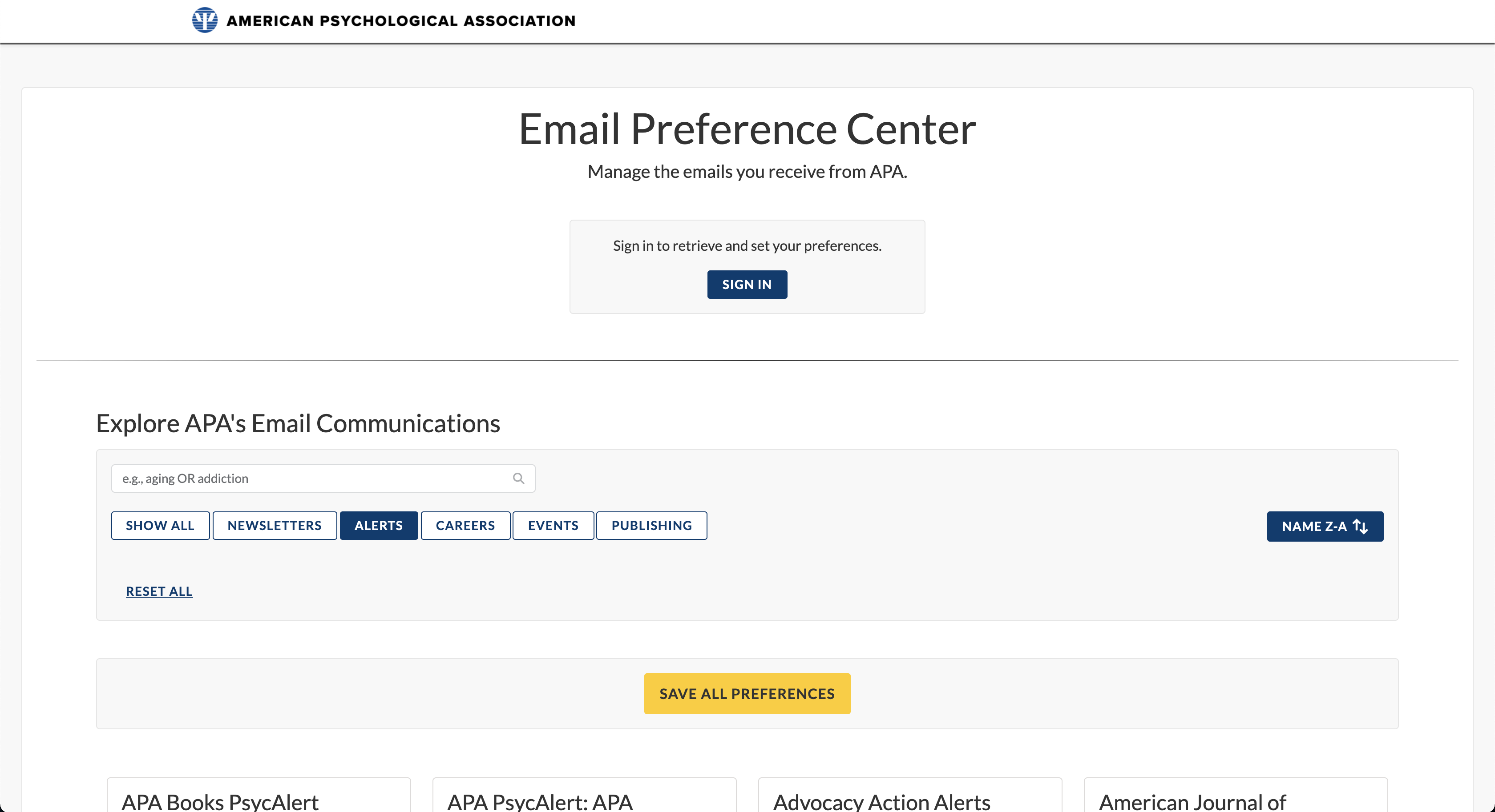
The Email Preference Center is Live!
The new preference center will provide APA with increased levels of marketing automations and audience engagement, while keeping in better compliance with email marketing laws.
Flip the card over to learn more.
The Email Preference Center is Live!
You may notice new links at the bottom of emails from APA. APA launched a new email preference center to allow customers to manage their email preferences.
This change was made primarily to improve APA's law compliance, with CAN-SPAM, CASL, and PECR.
Generally, the new preference center makes it much easier to unsubscribe from specific emails, and offers a way to unsubscribe from most current subscriptions at once.
Visit Preference Center
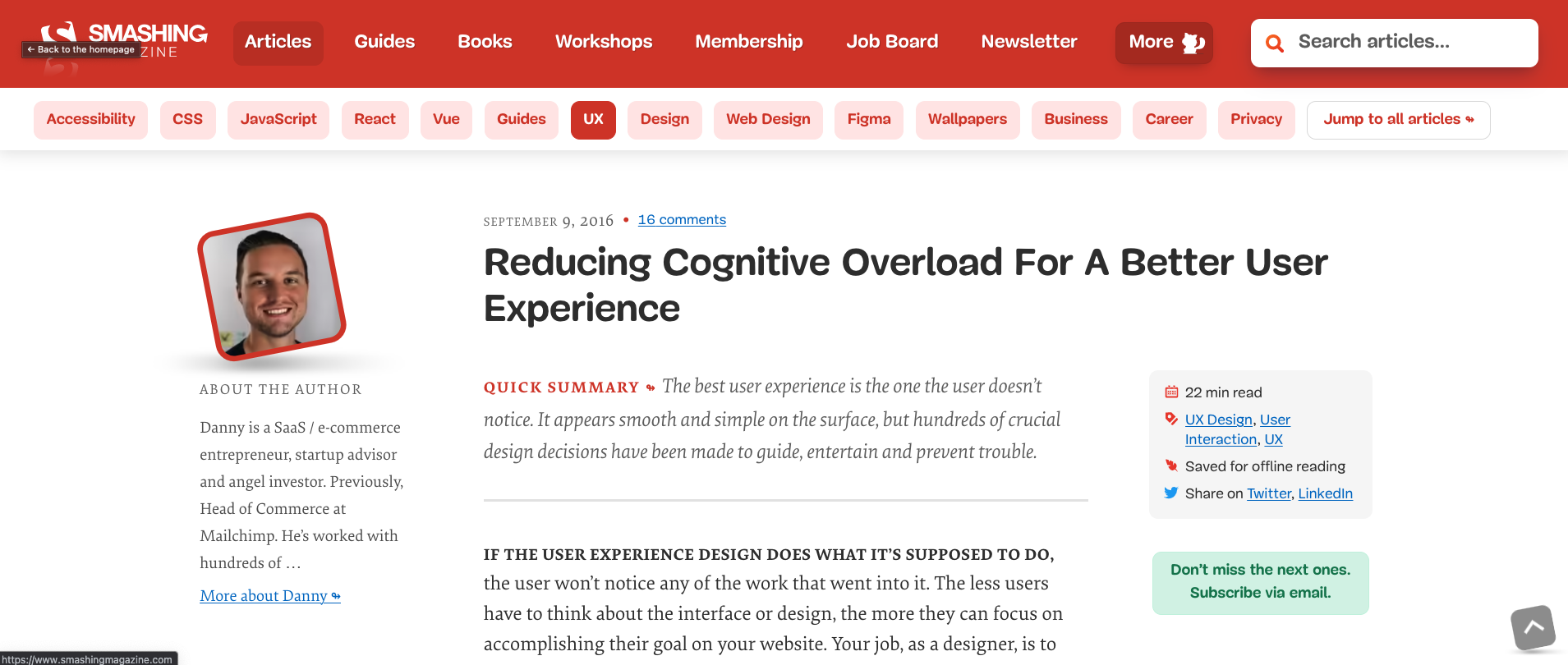
Reducing Cognitive Overload For A Better User Experience
The best user experience is the one the user doesn’t notice.
It appears smooth and simple on the surface, but hundreds of crucial design decisions have been made to guide, entertain and prevent trouble.
Flip the card over to learn more.
Reducing Cognitive Overload For A Better User Experience
If the user experience design does what it’s supposed to do, the user won’t notice any of the work that went into it.
The less users have to think about the interface or design, the more they can focus on accomplishing their goal on your website. Your job, as a designer, is to give them a straight path to their goal by clearing out the obstacles beforehand.
Complicated and confusing interfaces force users to find solutions to problems that shouldn’t be there in the first place. A user who feels confused by the options, the interface, the navigation and so on will likely feel overwhelmed in their thinking process.
Even momentary pauses are enough to rip users back into the reality that they’re sitting in front of their computer.
Read Full Article